


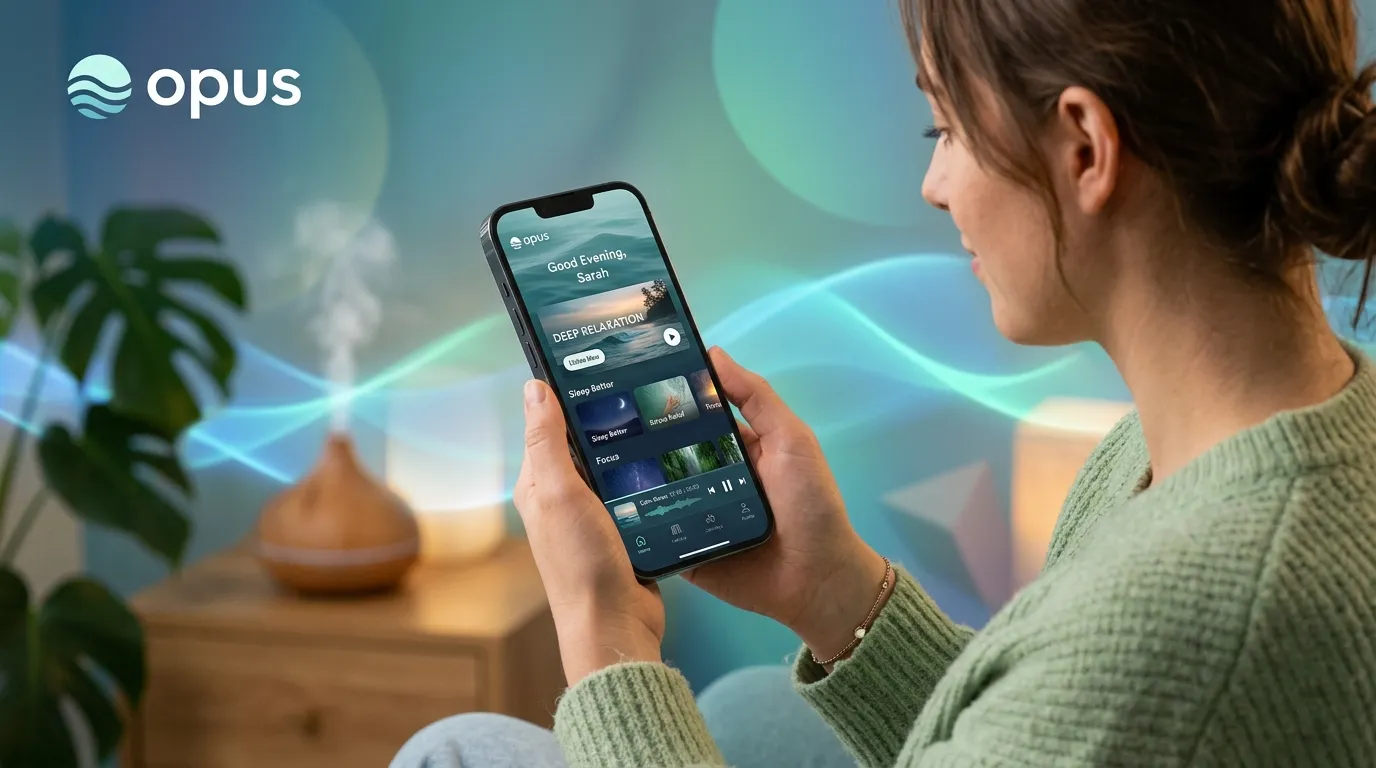
The Opus Soundbed app is a centralized wellness platform designed to control the Opus Soundbed hardware, utilizing targeted vibroacoustic therapy and spatial audio to reduce stress, elevate mood, and improve meditation practices.
The Opus Soundbed app serves as the primary control hub for the Opus Soundbed hardware, offering users an immersive blend of physical vibrations and therapeutic audio to enhance physical and mental wellness. By integrating custom frequencies and guided meditations, the Opus Soundbed helps users achieve deep states of relaxation in a fraction of the time required by traditional methods. This comprehensive guide explores the features, setup process, and competitive advantages of the Opus Soundbed ecosystem to help you maximize your daily wellness journey.
What is the Opus Soundbed app and how does the ecosystem work?
The Opus Soundbed app is the digital interface that dictates the physical responses of the Opus Soundbed device. It functions by translating digital audio files into both auditory soundscapes and physical vibrations that resonate through the body.
The ecosystem relies on Bluetooth connectivity to sync your smartphone with the bed. Once connected, the Opus Soundbed allows you to browse a library of content categorized by desired outcomes, such as better sleep, increased focus, or anxiety reduction. According to research published by the National Institutes of Health, integrating tactile stimulation with audio can significantly lower cortisol levels. The Opus Soundbed leverages this science by mapping specific low-frequency sounds to the physical actuators inside the bed. This creates a cohesive sensory experience that grounds the user immediately.
- The Opus Soundbed app seamlessly connects your mobile device to the physical bed, allowing for personalized vibrational frequencies and soundscapes.
- Utilizing the Opus Soundbed app requires a subscription to access premium guided meditations and advanced sound healing tracks.
- Compared to traditional mindfulness apps, the Opus Soundbed integrates tactile feedback, significantly accelerating the body’s relaxation response.
- Proper maintenance of the Opus Soundbed ecosystem ensures longevity, and avoiding common setup mistakes will drastically improve your user experience.
What are the core features of the Opus Soundbed app?
The core features of the Opus Soundbed app include spatial audio integration, customizable vibration intensity, and a robust library of expert-led wellness programs.
How does spatial audio enhance the Opus Soundbed app experience?
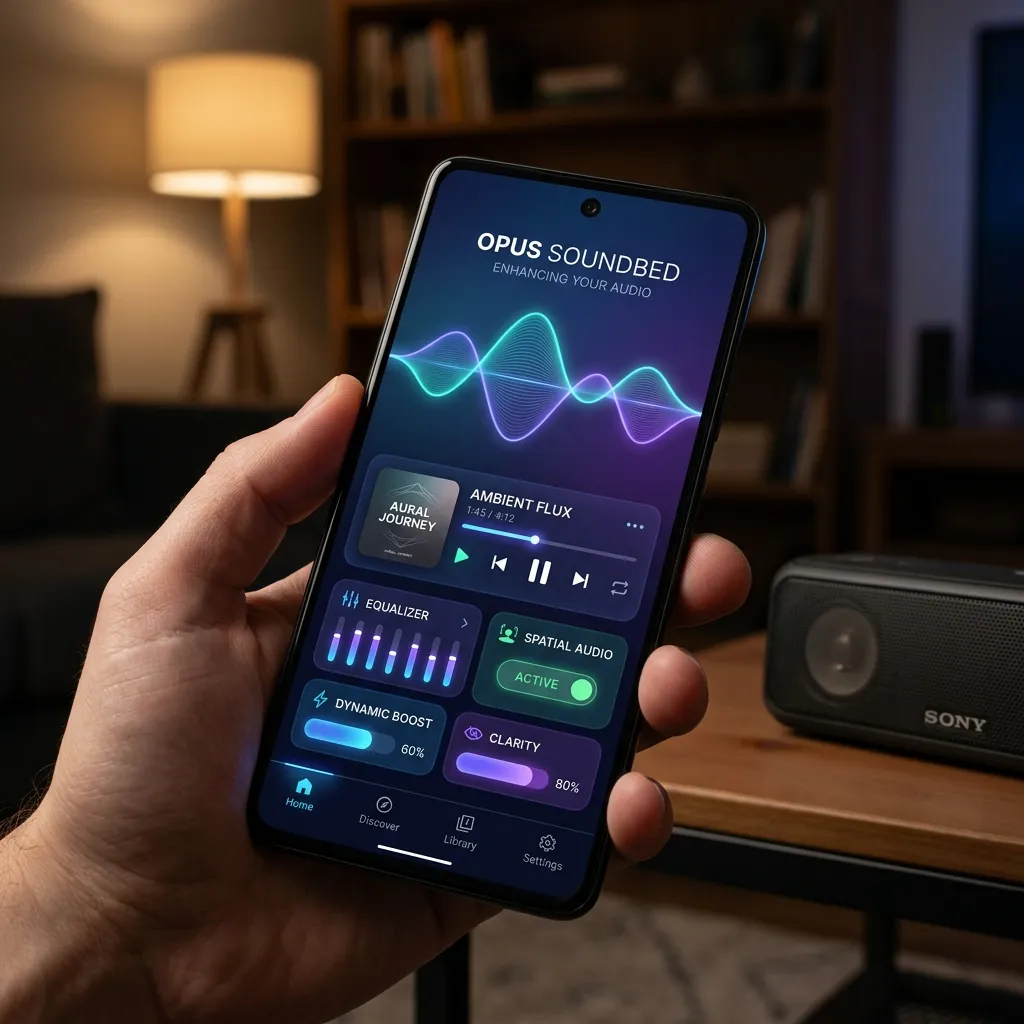
Spatial audio in the Opus Soundbed creates a 360-degree sound environment that mimics natural, real-world acoustics. This feature helps trick the brain into a state of deep immersion, blocking out external distractions. Users can connect their favorite noise-canceling headphones directly through the Opus Soundbed to maximize this effect.
Can you customize vibrations in the Opus Soundbed app?
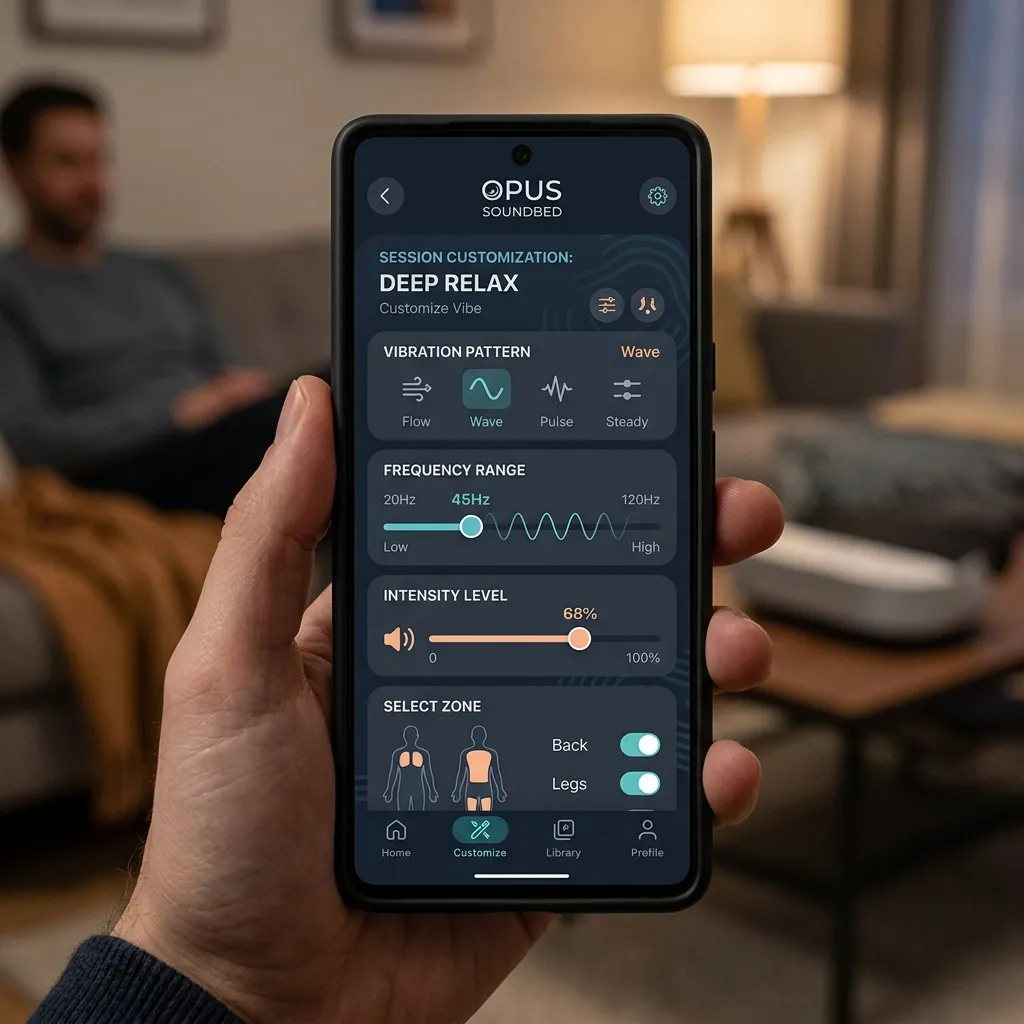
Yes, the Opus Soundbed provides granular control over the physical intensity of the experience. Users can adjust the vibration levels across different zones of the body. If you hold tension in your lower back, you can use the Opus Soundbed to increase the vibrational output in that specific region, customizing your somatic therapy session.
How does the Opus Soundbed app compare to other wellness platforms?
The Opus Soundbed app outperforms traditional software-only wellness platforms by combining software with physical hardware for a dual-sensory approach. Choose the Opus Soundbed if physical relaxation matters more to you than purely cognitive meditation.
|
Feature |
Opus Soundbed app |
Calm App |
Muse (with Headband) |
|---|---|---|---|
|
Hardware Integration |
Full-body vibroacoustic bed |
None (Software only) |
EEG Brainwave Headband |
|
Primary Mechanism |
Tactile vibration and spatial audio |
Guided audio and storytelling |
Neurofeedback and audio cues |
|
Customization |
Zonal vibration control |
Audio track selection |
Real-time audio adjustments |
|
Best For |
Somatic healing and rapid relaxation |
General mindfulness and sleep |
Cognitive training and focus |
How can you start using the Opus Soundbed app for daily wellness?
Starting a routine with the Opus Soundbed app involves proper hardware placement, software calibration, and scheduling consistent sessions.
- Assemble the hardware in a quiet environment free from high traffic.
- Download the Opus Soundbed from your respective app store and create an account.
- Pair your device via Bluetooth by following the on-screen prompts within the Opus Soundbed.
- Complete the introductory somatic awareness program provided in the Opus Soundbed to calibrate the vibration zones to your body weight and height.
- Schedule 15-minute daily sessions using the in-app calendar to build a consistent habit.
What are the common mistakes to avoid when using the Opus Soundbed app?
The most frequent mistake users make with the Opus Soundbed is neglecting to adjust the baseline vibration intensity for their specific body type.
Many new users leave the Opus Soundbed on its default settings. Because every body processes physical resonance differently, a high setting might cause overstimulation rather than relaxation. Furthermore, failing to update the Opus Soundbed firmware can lead to connectivity issues. Always check the settings tab in the Opus Soundbed for pending updates. Lastly, avoid using the Opus Soundbed app on a low battery, as fluctuating power levels can disrupt the spatial audio synchronization during a session.
What expert insights can improve your Opus Soundbed app experience?
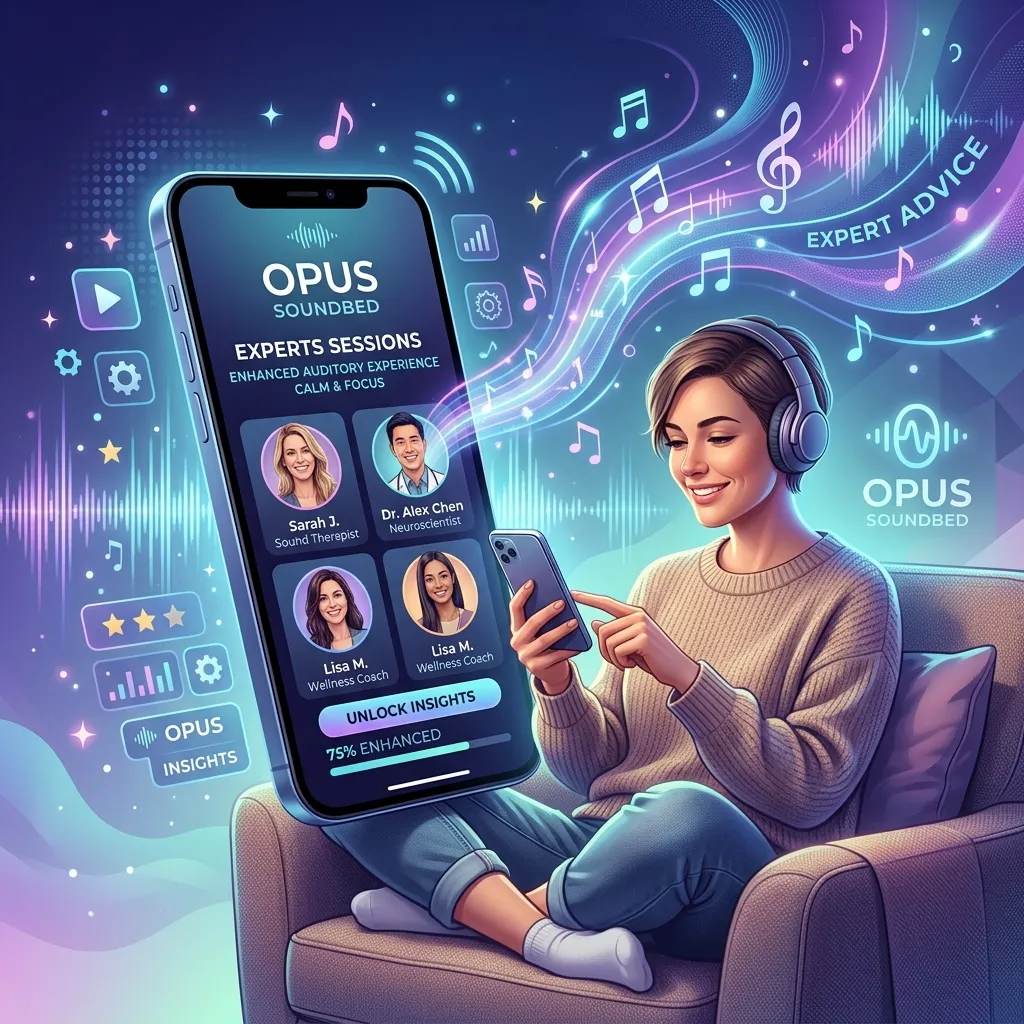
Acoustic scientists and wellness professionals recommend pairing the Opus Soundbed app with specific breathing protocols to maximize the therapeutic benefits.
According to the American Psychological Association, pairing deep diaphragmatic breathing with tactile feedback accelerates the shift from the sympathetic to the parasympathetic nervous system. When using the Opus Soundbed app, experts suggest syncing your breath to the rising and falling pulses of the vibration. Additionally, professionals advise using the Opus Soundbed immediately after high-stress events rather than waiting until the end of the day, as immediate cortisol regulation prevents chronic stress build-up.
Conclusion
The Opus Soundbed represents a significant leap forward in personal wellness technology, successfully bridging the gap between digital mindfulness and physical therapy. By leveraging the Opus Soundbed and its ecosystem, you gain access to a powerful tool capable of transforming your mental state in minutes.
If you are ready to invest in your long-term health, explore the premium subscription tiers within the Opus Soundbed app. Taking that next step ensures you unlock the full potential of your device, opening the door to advanced sound healing frequencies and expert-led pathways.
Frequently Asked Questions
What devices are compatible with the Opus Soundbed?
The Opus Soundbed app is compatible with most modern iOS and Android smartphones and tablets. You will need iOS 13.0 or later, or Android 8.0 and up, alongside a stable Bluetooth connection to pair with the physical bed.
Is a subscription required to use the Opus Soundbed?
While the Opus Soundbed app offers a basic free tier with limited tracks, a premium subscription is required to access the full library of guided meditations, spatial audio soundscapes, and advanced vibration patterns.
How do I update the firmware through the Opus Soundbed?
To update the firmware, open the Opus Soundbed, navigate to the settings menu, and select “Device Management.” If an update is available, click “Install Update” and keep your phone near the bed until the process completes.
Can I play my own music through the Opus Soundbed?
Currently, the Opus Soundbed is designed to work exclusively with its proprietary library of frequencies and soundscapes. This ensures the audio perfectly aligns with the physical actuators in the bed for optimal vibroacoustic resonance.
What should I do if the Opus Soundbed app won’t connect via Bluetooth?
If the Opus Soundbed app fails to connect, close the application completely, toggle your device’s Bluetooth off and on, and unplug the bed for 30 seconds. Restart the Opus Soundbed and attempt the pairing process again.
How often should I use the Opus Soundbed app for the best results?
Wellness experts recommend using the Opus Soundbed for 15 to 20 minutes a day, at least four times a week. Consistency is more important than duration when building neural pathways for relaxation.
Can multiple users share one Opus Soundbed app account?
The Opus Soundbed app allows you to create multiple profiles under a single premium subscription. This feature ensures that each user retains their personal preferences, saved tracks, and custom vibration settings.
Does the Opus Soundbed app integrate with Apple Health or Google Fit?
Yes, the latest version of the Opus Soundbed integrates with major health tracking platforms. It can log your mindful minutes and track your heart rate trends if you are wearing a compatible smartwatch during your session.
What is the ideal volume level when using the Opus Soundbed app?
The ideal volume level in the Opus Soundbed app depends on your headphones, but generally, it should be loud enough to block ambient room noise without causing ear fatigue. The Opus Soundbed includes a calibration tool to help you find this sweet spot.
How do I cancel my subscription to the Opus Soundbed app?
To cancel your subscription, navigate to the billing section within the Opus Soundbed app settings. From there, follow the prompts to manage your subscription through your Apple App Store or Google Play Store account settings.


Leave a Reply