


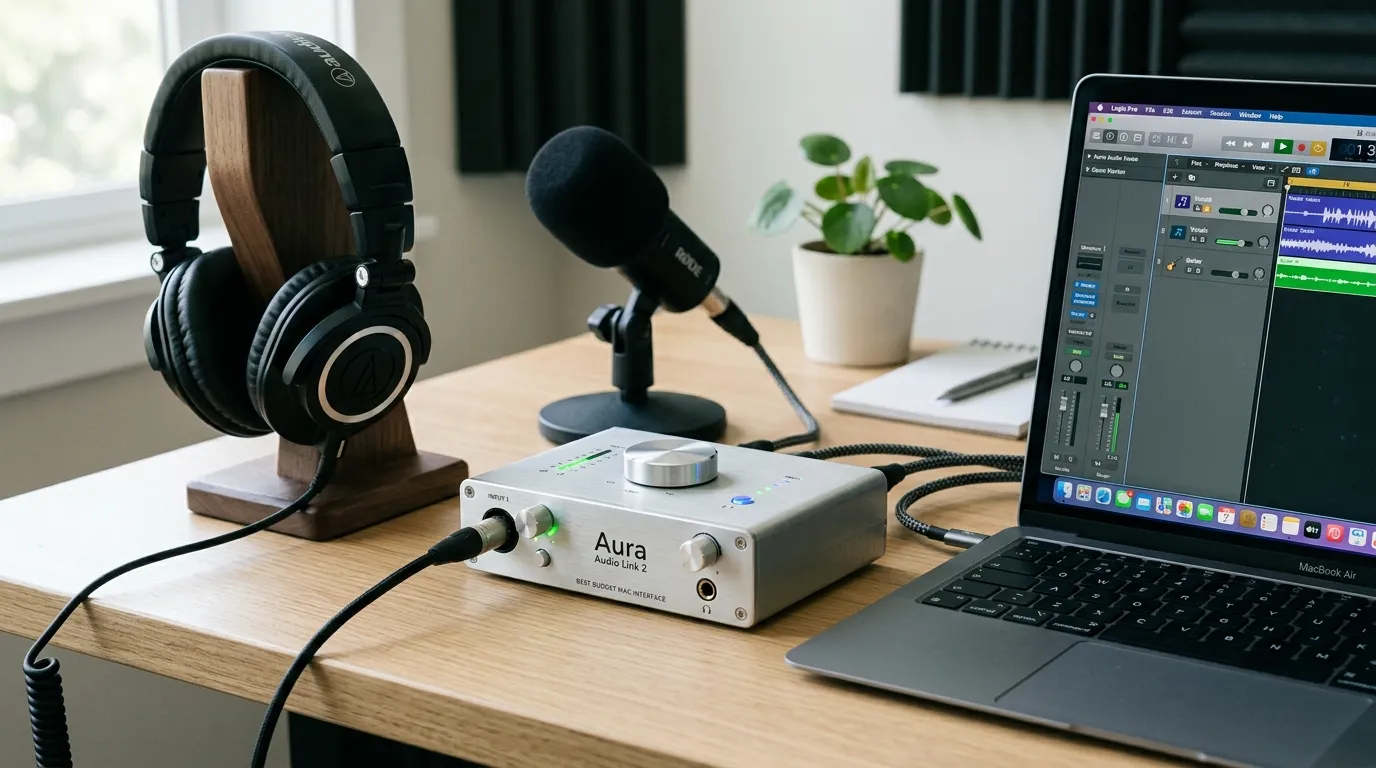
This comprehensive guide breaks down the best budget audio interface for Mac options available. We review top models, outline key features like preamps and connectivity, provide a comparison table, and share expert tips to ensure your home studio delivers professional-grade audio without breaking the bank.
Why You Need the Best Budget Audio Interface for Mac
Mac computers are renowned for their powerful audio processing capabilities, largely thanks to Apple’s Core Audio technology. However, the built-in microphone and headphone jack simply cannot handle professional-grade microphones or studio monitors. To capture crystal-clear vocals, record dynamic instruments, and hear an accurate mix, you need a dedicated audio interface.
Finding the best budget audio interface for Mac allows you to bypass the computer’s internal sound card. These devices provide high-quality preamps, phantom power for condenser microphones, and zero-latency monitoring. Whether you use GarageBand, Logic Pro, or Ableton, a proper interface ensures your software receives pristine, uncolored audio signals. You do not need to spend thousands of dollars to achieve broadcast-quality sound; today’s entry-level market is packed with incredibly capable hardware.
Top Contenders for the Best Budget Audio Interface for Mac
1. Focusrite Scarlett Solo
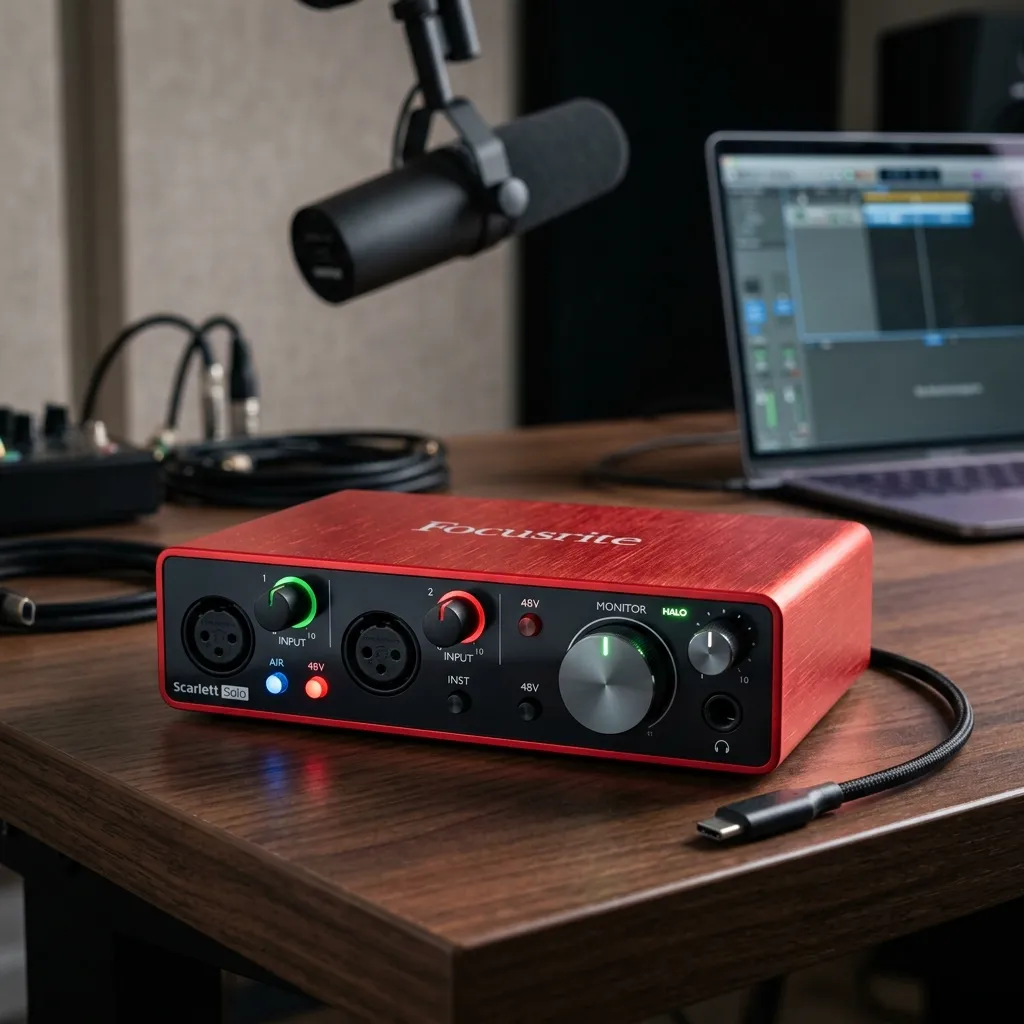
The Focusrite Scarlett series is practically synonymous with home recording. The Scarlett Solo offers a single, high-headroom microphone preamp and a dedicated instrument input. It connects seamlessly to any Mac via USB-C, making it a plug-and-play powerhouse. The famed “Air” mode adds high-end detail to vocals, emulating Focusrite’s classic console transformers. It stands as a prime candidate for the best budget audio interface for mac due to its reliability and included software bundle.
2. Audient iD4 MKII
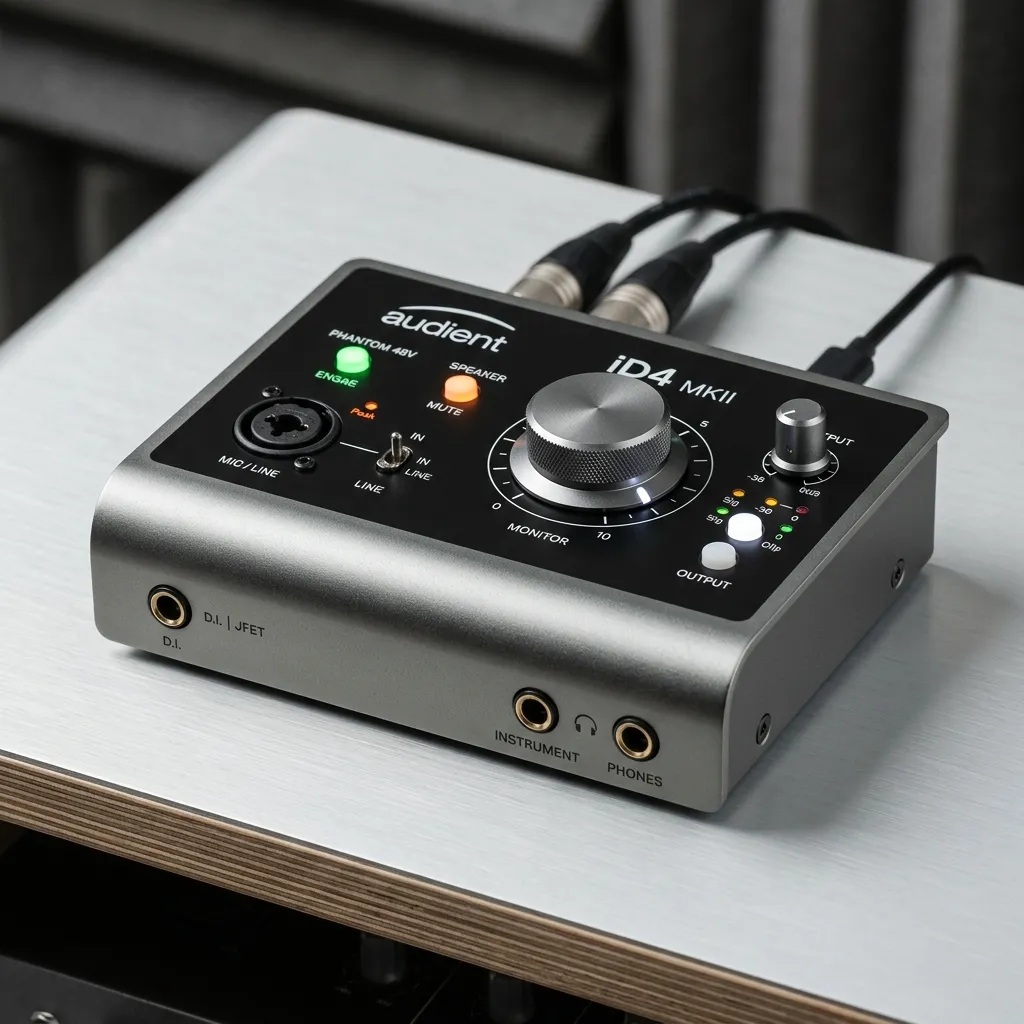
Audient brings large-format console sound to a compact, desktop-friendly unit. The iD4 MKII features a Class-A mic preamp that delivers incredibly clean, warm audio. For Mac users, the robust build quality and USB bus power make it highly portable. Additionally, the volume encoder doubles as a virtual scroll wheel, allowing you to tweak DAW parameters directly from the interface hardware. According to Sound on Sound, Audient’s conversion quality in this price bracket is nearly unmatched.
3. PreSonus AudioBox USB 96
If durability is your primary concern, the PreSonus AudioBox USB 96 features a heavy-duty steel chassis. It provides two combo inputs, allowing you to record a vocal and a guitar simultaneously. While the preamps are slightly older in design compared to the Scarlett, they still offer robust, clear sound. This unit is frequently recommended by Sweetwater for beginners looking for a rugged, road-ready solution for macOS.
4. Universal Audio Volt 1
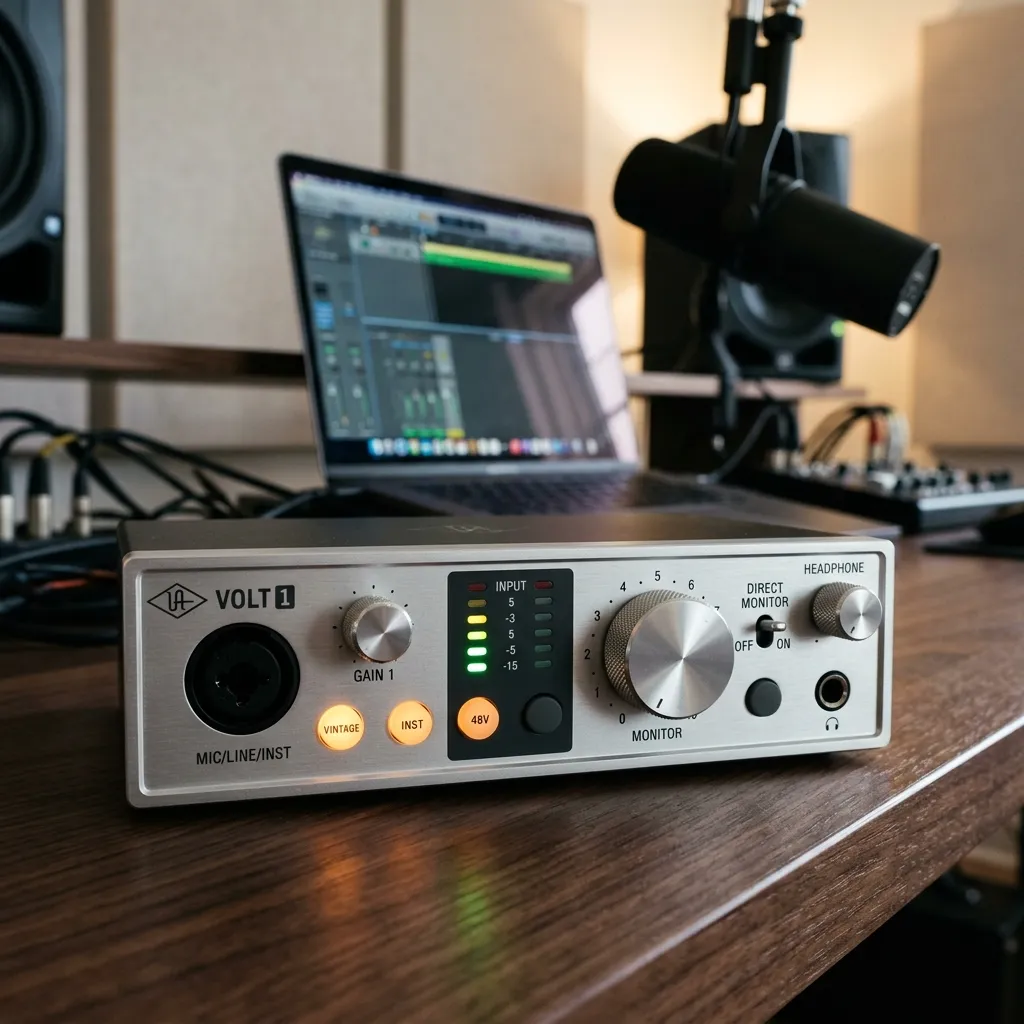
Universal Audio is famous for high-end studio gear, but their Volt series brings that pedigree to the entry-level market. The Volt 1 features a Vintage Mic Preamp mode, which utilizes built-in tube emulation circuitry to give your tracks a rich, classic sound. It integrates perfectly with macOS and requires absolutely no complex driver installations.
Comparison Table: Top Affordable Interfaces
|
Interface Model |
Input/Output |
Connection Type |
Standout Feature |
Mac Compatibility |
|---|---|---|---|---|
|
Focusrite Scarlett Solo |
1 Mic / 1 Inst |
USB-C |
Air Mode |
Native Core Audio |
|
Audient iD4 MKII |
1 Mic / 1 JFET |
USB-C |
Console-grade Preamp |
Native Core Audio |
|
PreSonus AudioBox 96 |
2 Combo Inputs |
USB 2.0 |
Steel Chassis |
Native Core Audio |
|
Universal Audio Volt 1 |
1 Combo Input |
USB-C |
Vintage Preamp Mode |
Native Core Audio |
Key Features to Look For
When hunting for the best budget audio interface for Mac, keep these crucial specifications in mind:
- USB-C Connectivity: Modern Macs utilize Thunderbolt and USB-C ports. Choosing an interface with native USB-C prevents the need for clunky adapters.
- Core Audio Compliance: Apple’s Core Audio framework allows compliant devices to work immediately without downloading third-party drivers. Always verify that your chosen interface is class-compliant.
- Phantom Power (48V): If you plan to use a condenser microphone for vocals or acoustic instruments, your interface must supply phantom power.
- Direct Monitoring: Latency (the delay between playing a note and hearing it in your headphones) ruins performances. Direct monitoring feeds the input signal straight to your headphones with zero delay.
Common Mistakes to Avoid When Choosing
- Ignoring Input Types: Buying a solo interface when you need to record stereo keyboards or a singer-songwriter playing guitar simultaneously will immediately halt your workflow. Always count your necessary inputs before purchasing.
- Forgetting About Output Needs: If you plan to connect multiple sets of studio monitors for A/B testing, a basic two-output interface will not suffice.
- Buying Based solely on Software Bundles: While free plugins are great, the hardware quality dictates your actual sound. Prioritize preamp quality and converter specs over bundled trial software.
Expert Insights & Pro Tips for Mac Users
To get the absolute most out of the best budget audio interface for mac, ensure your macOS is optimized for audio processing. Close background applications, turn off Wi-Fi if you are experiencing CPU spikes, and always connect your interface directly to the Mac rather than going through a cheap, unpowered USB hub. Unpowered hubs can cause audio dropouts and prevent phantom power from operating correctly.
Additionally, always use high-quality cables. A budget interface can sound remarkably professional, but cheap, poorly shielded cables will introduce ground loops, hiss, and radio frequency interference into your recordings.
Elevate Your Audio Setup Today
Upgrading your studio is easy when you choose the best budget audio interface for mac. You gain pristine sound quality without draining your wallet. Ready to hit record? Grab one of our recommended interfaces, plug it into your Mac, and start producing your next masterpiece today.
FAQs
1. Do I need to install drivers for an audio interface on a Mac?
Most modern audio interfaces are “class-compliant,” meaning Apple’s built-in Core Audio handles them natively. You can simply plug them in and start recording without installing proprietary drivers.
2. What is the difference between USB 2.0 and USB-C for audio interfaces?
USB-C refers to the physical connector shape, which matches modern Macs. While some USB-C interfaces still use USB 2.0 data transfer speeds, this is perfectly adequate for transmitting high-resolution audio without latency.
3. Will a budget audio interface work with GarageBand?
Yes. Any audio interface that is recognized by macOS will automatically be available as an input and output device within GarageBand, Logic Pro, and all other major DAWs.
4. Can I use a budget audio interface for podcasting?
Absolutely. The best budget audio interface for mac combined with a decent dynamic or condenser microphone will yield broadcast-quality audio perfect for podcasting.
5. What is direct monitoring?
Direct monitoring routes the incoming audio signal directly to your headphones before it reaches the computer. This ensures you hear your voice or instrument with zero latency (delay).
6. Do I need phantom power on my interface?
If you are using a condenser microphone, you absolutely need phantom power (usually labeled as 48V). Dynamic microphones and instruments do not require it.
7. How many inputs do I actually need?
If you only record your own voice or one instrument at a time, a single-input or two-input interface is fine. If you want to record a drum kit or a full band, you will need an interface with 8 or more inputs.
8. Can an audio interface improve my Mac’s headphone audio quality?
Yes. Audio interfaces have dedicated digital-to-analog converters (DACs) and high-impedance headphone amplifiers that generally sound vastly superior to the Mac’s built-in headphone jack.
9. Is a more expensive interface always better?
Not necessarily. While high-end interfaces offer more inputs and boutique components, budget interfaces today have incredibly clean preamps that are more than capable of producing chart-topping music.
10. Why is my audio interface crackling on my Mac?
Crackling is usually caused by a mismatched sample rate, a buffer size set too low in your DAW, or connecting the interface through an underpowered USB hub. Ensure direct connection and adjust your buffer settings.
AUDIO INTERFACE, MAC SETUP, HOME STUDIO, BUDGET GEAR, MUSIC PRODUCTION


Leave a Reply