


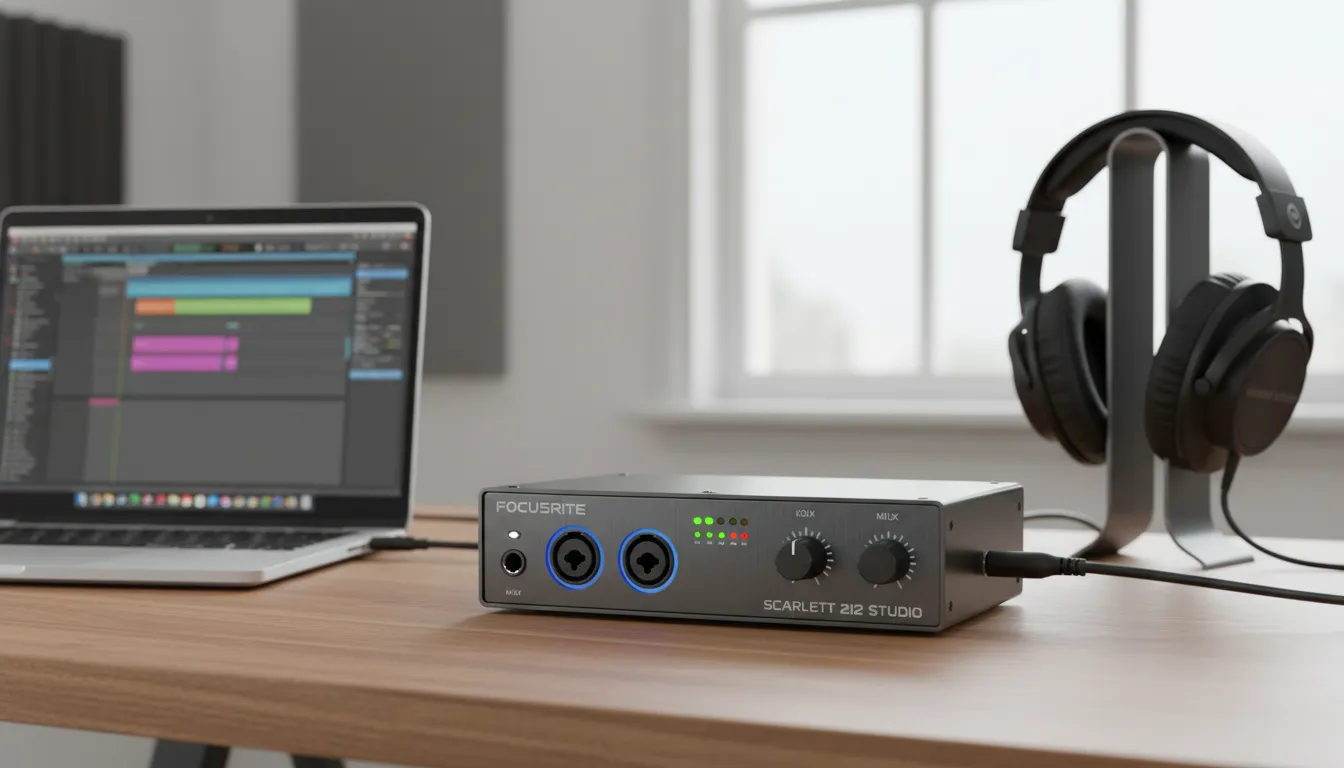
This guide explores the top affordable audio interfaces available right now. You will learn about key features, read detailed comparisons, and discover expert tips to help you capture studio-grade recordings from your home desktop setup seamlessly.
The Best Budget Audio Interface for PC is an essential tool for anyone looking to improve sound quality for recording, streaming, or podcasting without spending a fortune. A good audio interface converts analog sound into digital signals, delivering clear and professional audio directly to your computer. Today’s budget options offer impressive features like 24-bit recording, low latency, and clean preamps, making them ideal for beginners and home studios. Popular choices such as Focusrite Scarlett Solo, Behringer UMC22, and PreSonus AudioBox provide excellent performance at affordable prices. According to recent guides, many budget interfaces now deliver studio-quality sound under $150, proving that high-quality audio no longer requires a large investment. When choosing the right interface, consider factors like connectivity, compatibility, and ease of use to get the best value for your setup.
Finding the Best Budget Audio Interface for PC
Building a home studio requires reliable gear. Your computer cannot process raw analog audio from microphones or guitars on its own. It needs a dedicated bridge to translate those signals into high-quality digital data. Finding the best budget audio interface for PC solves this problem by providing clean preamps, low-latency monitoring, and reliable drivers—all without emptying your wallet.
Whether you produce music, record a podcast, or stream on platforms like Twitch, the right interface transforms your desktop into a professional recording environment. You do not need to spend thousands of dollars to get clear, professional sound. Modern entry-level gear packs incredible technology into compact, affordable units.
Why Your PC Needs a Dedicated Audio Interface
Your standard PC sound card works fine for watching videos or casual gaming. However, it lacks the specialized hardware required for professional audio production. When you plug a microphone directly into a computer, you usually experience noise, interference, and noticeable delay.
A dedicated audio interface provides high-quality analog-to-digital converters (ADC) and digital-to-analog converters (DAC). These components ensure your recordings sound exactly like the source. For a deeper understanding of digital conversion, you can read more at Sound on Sound, a trusted authority on recording technology.
Additionally, interfaces offer phantom power (48V) needed to run condenser microphones. They also provide direct monitoring capabilities, allowing you to hear yourself in real time without a distracting delay. By investing in the best budget audio interface for PC, you upgrade your entire sonic workflow instantly.
Top Affordable Audio Interfaces Compared
When evaluating the market, several standout models deliver incredible value for PC users. Let us explore the top contenders.
Focusrite Scarlett Solo (4th Gen)
The Focusrite Scarlett series remains an industry standard. The Solo model offers one microphone preamp and one instrument input, making it perfect for solo musicians and podcasters. The fourth generation includes improved converters and an updated “Air” mode that adds a high-end presence to vocals. Its seamless PC integration makes it a top choice.
PreSonus AudioBox USB 96
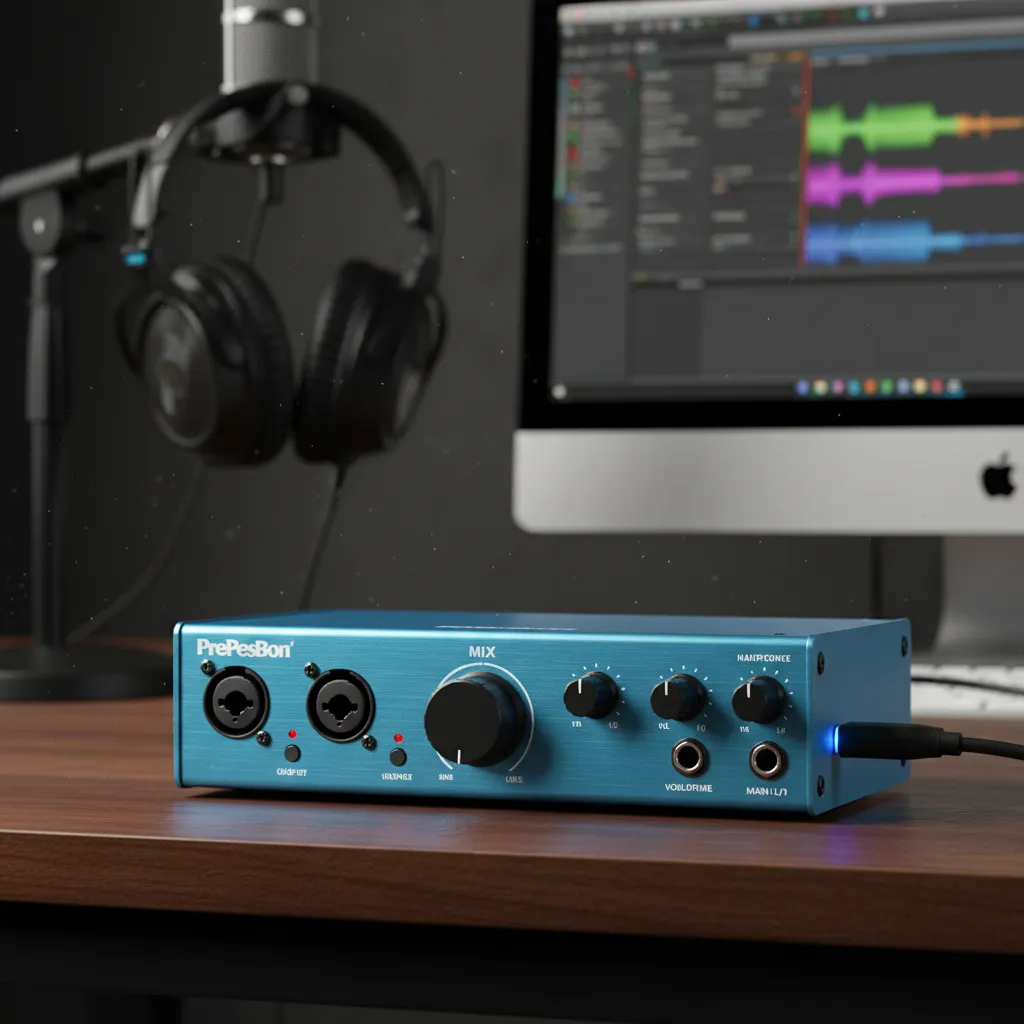
Built with a rugged steel chassis, the PreSonus AudioBox USB 96 is incredibly durable. It features two combo inputs, allowing you to record two microphones or instruments simultaneously. It also comes with the Studio One Artist digital audio workstation, providing immense value for beginners looking for a complete software and hardware package.
Behringer U-Phoria UM2
If your budget is extremely tight, the Behringer U-Phoria UM2 is nearly impossible to beat. It provides basic but functional recording capabilities with a single XENYX mic preamp. While the plastic casing feels less premium than other models, it delivers clean 48 kHz resolution audio, which is more than sufficient for casual streaming and entry-level podcasting.
Arturia MiniFuse 1
The Arturia MiniFuse 1 stands out with its sleek design and helpful features like a built-in USB hub. This saves a valuable port on your PC. It offers a single combo input, crisp sound quality, and an impressive software bundle. Arturia’s drivers are highly stable on Windows, ensuring a frustration-free recording experience.
M-Audio M-Track Solo
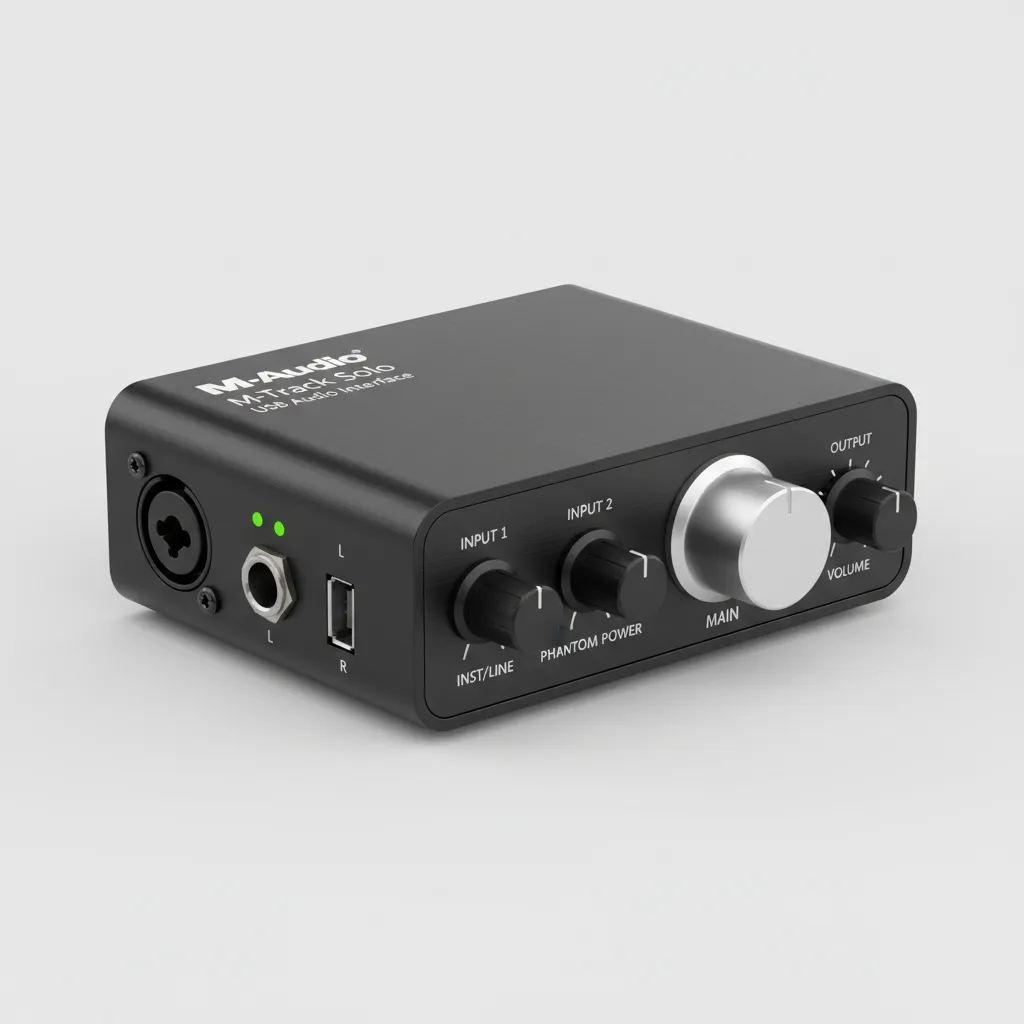
Another highly affordable option, the M-Audio M-Track Solo provides pristine 48 kHz audio resolution in a compact format. It includes a single-crystal preamp that delivers transparent sound. Its small footprint makes it an ideal companion for a crowded computer desk or a portable laptop setup.
Feature Comparison Table
To help you make an informed decision, here is a breakdown of the leading budget interfaces.
|
Interface Model |
Mic Inputs |
Instrument Inputs |
Max Resolution |
Best Feature |
|---|---|---|---|---|
|
Focusrite Scarlett Solo |
1 |
1 |
24-bit/192kHz |
Improved Air Mode |
|
PreSonus AudioBox 96 |
2 |
2 |
24-bit/96kHz |
Durable steel chassis |
|
Behringer U-Phoria UM2 |
1 |
1 |
16-bit/48kHz |
Extremely low price |
|
Arturia MiniFuse 1 |
1 |
1 |
24-bit/192kHz |
Built-in USB hub |
|
M-Audio M-Track Solo |
1 |
1 |
16-bit/48kHz |
Crystal clear preamps |
Essential Features to Look For
Choosing the right device requires understanding the specifications. Here are the most critical factors to consider when shopping.
Input and Output Configuration
Consider what you need to record. If you are a solo podcaster, a single microphone input suffices. If you want to record singing while playing an acoustic guitar, you need at least two inputs. Most budget models provide combo jacks that accept both XLR cables and quarter-inch instrument cables.
Audio Resolution and Sample Rate
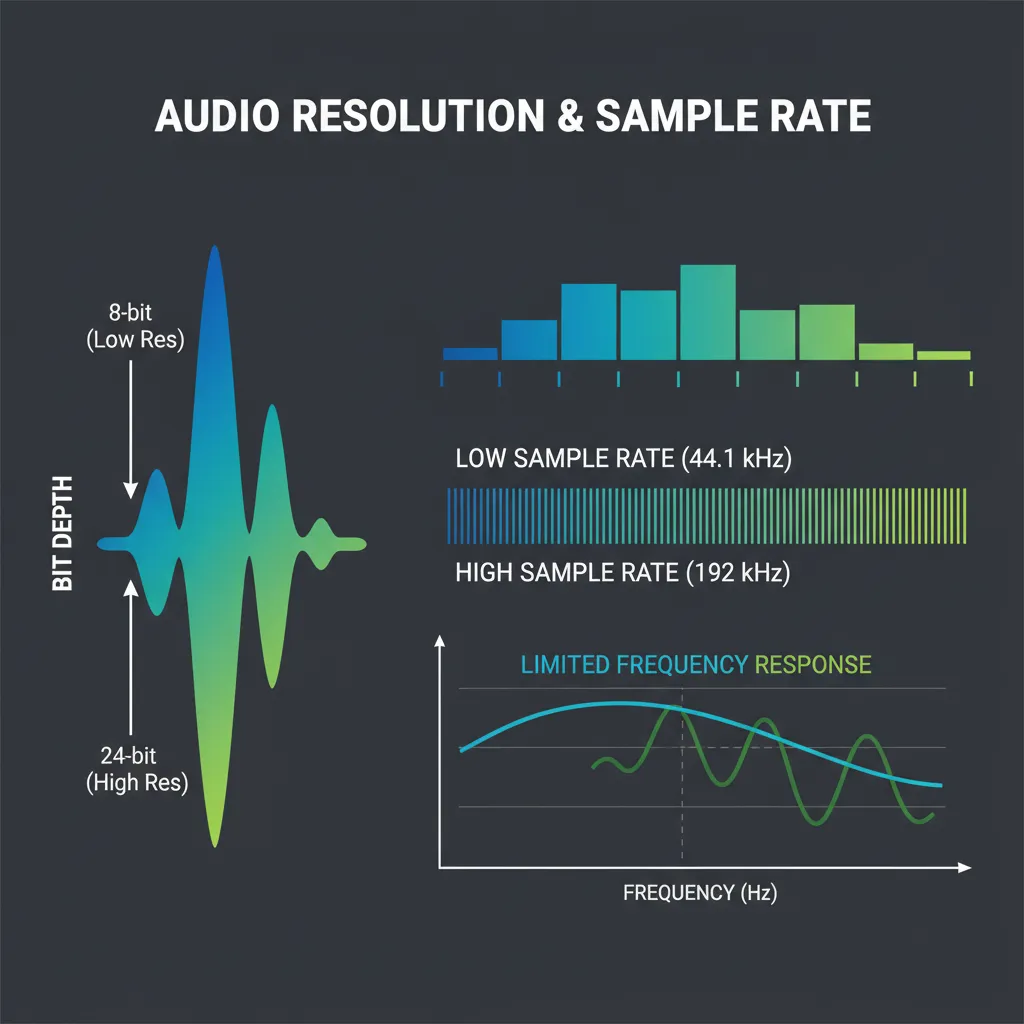
Audio quality is defined by bit depth and sample rate. Look for an interface that supports at least 24-bit/96kHz resolution. Higher sample rates capture more detail, resulting in a cleaner recording. The industry standard for high-quality audio is typically 24-bit/192kHz, which many affordable models now offer.
Low-Latency Performance
Latency is the delay between when you make a sound and when you hear it through your headphones. High latency makes recording incredibly difficult. Ensure your chosen interface offers stable ASIO drivers for Windows to minimize this delay. Direct monitoring features also bypass the computer entirely, providing zero-latency listening. You can learn more about managing latency from experts at MusicRadar.
Phantom Power (48V)
If you plan to use a condenser microphone—the standard for vocal recording—your interface must provide phantom power. Most units include a dedicated 48V switch. Without this feature, your condenser microphone will not capture any sound.
Common Mistakes to Avoid
Many beginners make simple errors when purchasing and setting up their audio gear. Avoid these pitfalls to get the best results.
First, neglecting to update PC drivers causes massive headaches. Windows relies heavily on updated ASIO drivers for smooth audio performance. Always download the latest drivers directly from the manufacturer’s website rather than relying on generic plug-and-play drivers.
Second, using the wrong cables degrades signal quality. Ensure you use balanced XLR cables for microphones and high-quality quarter-inch cables for instruments. Cheap cables introduce hiss and electrical interference into your recordings.
Third, ignoring the room acoustics wastes a good interface. An interface only captures what the microphone hears. If your room is full of echo, your recording will sound amateurish regardless of how good the interface is. Invest in basic acoustic treatment or use a dynamic microphone, like those recommended by Shure, to reject background noise.
Fourth, setting the gain too high ruins the take. Clipping occurs when the incoming audio signal is too loud for the digital converter, resulting in harsh distortion. Always leave sufficient headroom by keeping your input gain in the green zone, well away from the red clipping indicator.
Pro Tips for Maximum Performance
To get the absolute best out of your new setup, apply these expert insights.
Use a dedicated USB port directly on your PC motherboard. Avoid plugging your interface into external USB hubs or front-panel ports, as these often share bandwidth with other devices and can cause audio dropouts or connectivity issues.
Optimize your Windows settings for audio production. Navigate to your power settings and select the “High Performance” plan. This prevents your CPU from throttling down during recording sessions. Additionally, disable system sounds to prevent unwanted notifications from ruining a perfect vocal take.
Take advantage of bundled software. Almost every interface comes with a digital audio workstation (DAW) like Ableton Live Lite or Pro Tools First, along with virtual instruments and plugins. These bundles provide immense value and give you everything you need to start mixing immediately. Be sure to explore our home studio software guide to maximize these tools.
Conclusion
Upgrading your sound does not require a massive investment. By choosing the best budget audio interface for PC, you gain access to clean preamps, zero-latency monitoring, and professional-grade digital conversion. Assess your input needs, consider the bundled software, and ensure proper setup to achieve studio-quality recordings right from your desk. Ready to start recording? Grab your preferred interface today and bring your audio projects to life.
FAQs
What is an audio interface, and why do I need one?
An audio interface connects microphones and instruments to your computer. It converts analog signals into digital audio formats your PC can process, providing far better sound quality and lower latency than a standard computer sound card.
Can I just use a USB microphone instead?
USB microphones are convenient for simple podcasting or voice calls, but an audio interface provides better sound quality, the ability to upgrade microphones later, and options for recording instruments. It offers a more professional, versatile upgrade path.
Does an audio interface reduce background noise?
The interface itself does not reduce background noise; that depends on your microphone and room acoustics. However, a good interface provides clean gain, meaning it will not add internal electrical hiss or hum to your recordings.
What is phantom power?
Phantom power, usually labeled as 48V, is a small electrical current sent through an XLR cable to power condenser microphones. Most budget interfaces include a switch to turn this on and off.
Do these interfaces work with Mac as well as PC?
Yes. While this guide focuses on PC integration, nearly all modern audio interfaces are class-compliant with macOS, meaning they work seamlessly on Apple computers, often without needing dedicated driver downloads.
What is direct monitoring?
Direct monitoring routes the audio signal directly from the input to your headphones before it travels to the computer. This allows you to hear yourself exactly as you perform, with zero distracting delay or latency.
Do I need special speakers for an audio interface?
While you can use standard headphones, it is highly recommended to use studio monitor speakers. Audio interfaces have dedicated quarter-inch line outputs designed specifically to connect to professional studio monitors for accurate sound reproduction.
Why is my audio interface crackling on my PC?
Crackling usually indicates a driver issue, a sample rate mismatch, or an overloaded CPU buffer size. Ensure you have the latest manufacturer ASIO drivers installed and try increasing the buffer size within your recording software’s settings.
Is 16-bit audio good enough for music production?
16-bit audio (CD quality) is acceptable for basic podcasting, but 24-bit audio is the standard for music production. It provides much greater dynamic range and headroom, which is why most modern budget interfaces support 24-bit recording.
Which interface is best for a complete beginner?
The Focusrite Scarlett Solo and the Arturia MiniFuse 1 are excellent for beginners. They offer simple controls, highly stable Windows drivers, clear visual feedback for gain levels, and excellent software bundles to get you started immediately.


Leave a Reply