


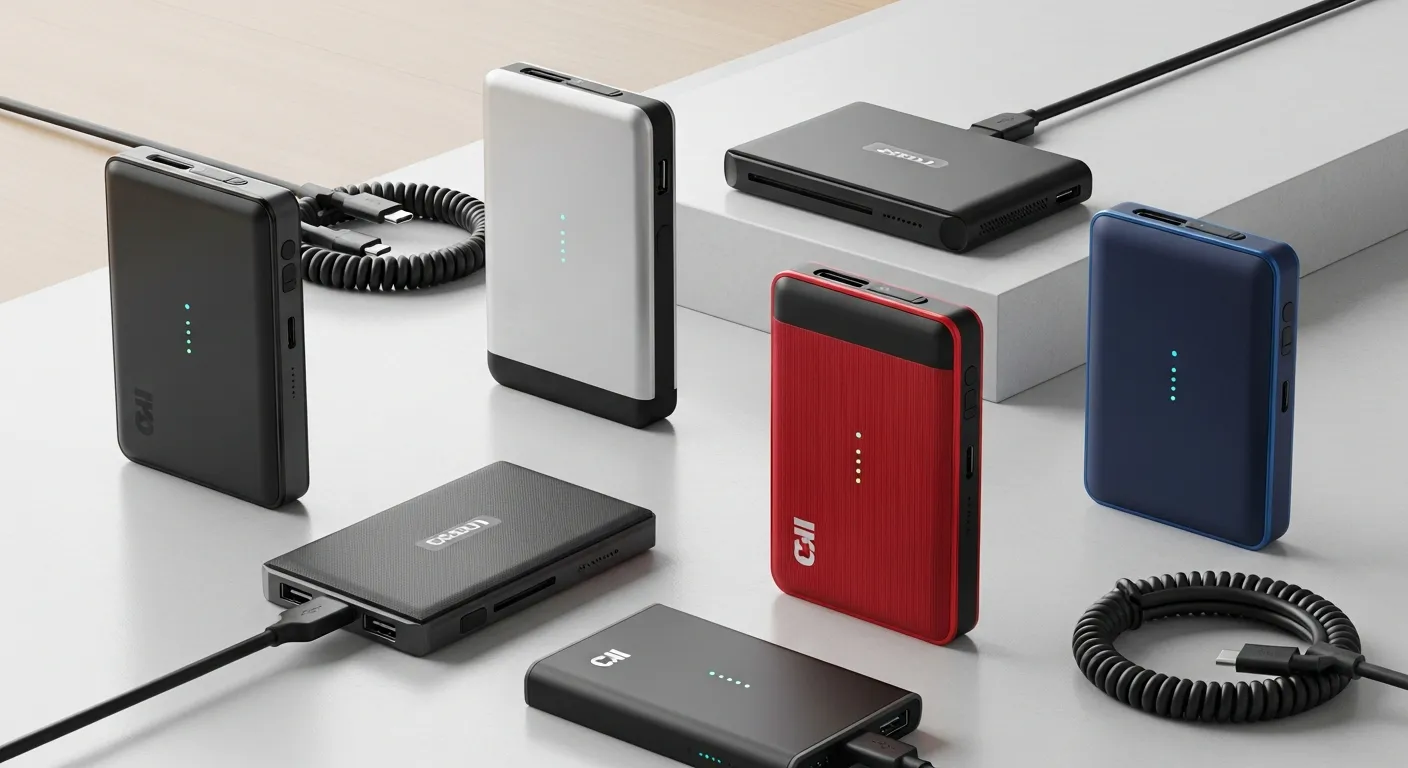
Portable SSDs are fast, compact storage devices used for transferring and backing up data. They offer high speed, durability, and portability, making them ideal for professionals, gamers, and everyday users.
In today’s digital landscape, the demand for fast and dependable storage solutions is higher than ever. As professionals, creatives, and tech enthusiasts seek efficient ways to manage growing volumes of data, portable SSDs have emerged as a powerful choice for on-the-go storage. These compact drives combine high-speed performance with robust construction, delivering seamless file transfers and resilience against everyday hazards. This year, portable SSDs are redefining how users interact with their digital assets, enabling real-time editing, rapid backup routines, and reliable data organization across multiple devices. With advances in interface technologies and firmware optimizations, modern SSDs now deliver read and write speeds that were once exclusive to internal storage systems. Today, we dive into the core benefits, technical standards, durability considerations, and selection strategies that guide purchasing decisions for portable SSDs in today’s competitive market. Whether you seek a drive for professional video editing, gaming asset libraries, academic research archives, or simple personal file storage, this comprehensive guide will illuminate the critical factors to evaluate when choosing these compact powerhouses. Read on to uncover how to align storage needs with performance thresholds, durability requirements, compatibility demands, and budget constraints to make an informed choice in this year’s evolving landscape of portable SSD technology.
Benefits of Portable SSDs in Today’s Use Cases
In the realm of mobile computing and remote workflows, portable SSDs deliver a blend of speed, reliability, and convenience that legacy hard drives cannot match. Thanks to their flash memory architecture, these drives offer near-instantaneous access to large multimedia files, databases, and project assets. For content creators capturing high-definition footage or photographers offloading hundreds of RAW images, portable SSDs eliminate the bottleneck of waiting on slow transfer speeds. Many models now sustain sequential read/write rates beyond 1,000 MB/s, enabling editors to scrub through video timelines without dropped frames or stuttering playback. Beyond peak performance, the absence of mechanical parts means that these devices operate silently and resist common failure modes associated with spinning platters and read/write heads.
Furthermore, in professional settings where reliability is paramount, portable SSDs thrive under vibration, shock, and extreme temperature variations. Their solid-state nature ensures consistent performance whether you’re working in a crowded coffee shop, a photography shoot in a dusty environment, or a field study that requires rugged hardware. Researchers conducting field experiments or surveyors gathering high-resolution imagery can depend on robust drives that adhere to military-grade durability standards. Meanwhile, gamers seeking to transport large libraries of high-definition titles and mods benefit from reduced loading times and quicker asset streaming when paired with modern gaming laptops or consoles. The low power consumption of portable SSDs also translates to extended battery life for laptops, providing more time for uninterrupted creative or analytical sessions. Overall, these portable storage solutions offer a versatile tool for anyone looking to streamline data management in today’s fast-paced, data-intensive workflows.
Key Performance Metrics and Industry Standards
Understanding the technical specifications behind portable SSDs is crucial to matching a drive’s capabilities with workload demands. One of the primary metrics is sequential read and write speed, which governs how quickly large files can be transferred. Many high-end models utilize USB 3.2 Gen 2×2 or Thunderbolt 3/4 interfaces to push theoretical bandwidth up to 20 Gbps. To verify real-world performance, benchmarking tools measure sustained transfers with varying file sizes and data patterns. Keep an eye on random read/write IOPS (Input/Output Operations Per Second) as well, since this metric influences how quickly a drive retrieves small chunks of data scattered across the storage medium—a key consideration for database management or multi-tasking environments.
In terms of reliability, consult standards published by authoritative bodies like the National Institute of Standards and Technology (NIST) to understand data retention protocols and error correction procedures. NIST guidelines (https://www.nist.gov) offer insights into cryptographic modules and integrity checks that ensure stored data remains intact over prolonged periods. Additionally, compliance with the official USB Implementers Forum specifications (https://www.usb.org) guarantees interoperability across a wide range of host devices. Look for drives that adhere to USB-IF certification to minimize compatibility issues. Another factor is the controller architecture and NAND flash type—drives featuring multi-level cell (MLC) or triple-level cell (TLC) with dynamic wear leveling typically deliver a balance of lifespan and cost-effectiveness. Vendors often highlight total bytes written (TBW) and mean time between failures (MTBF) to quantify endurance levels. By evaluating these metrics and aligning them with your data throughput requirements, you can select a portable SSD that supports consistent performance in today’s data-centric applications.
Durability and Reliability Factors
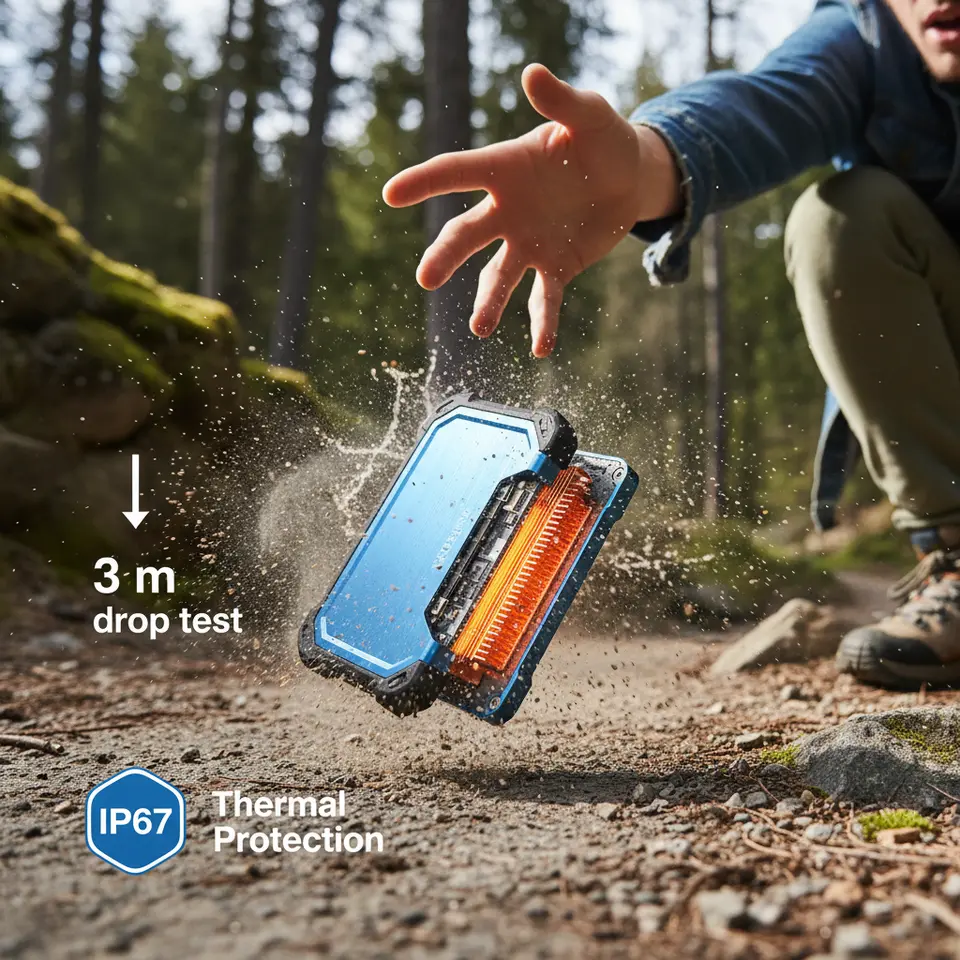
When assessing portable SSDs, durability extends beyond shock resistance to encompass water, dust, and thermal protection. Many modern drives incorporate ruggedized housings with IP65 or IP67 ratings, shielding internal components from dust ingress and low-pressure water jets. Engineers often encase SSD modules in rubberized bumpers or anodized aluminum shells that absorb impact energy, enabling devices to survive drops from three meters or more. For professionals operating in unstable environments—whether a construction site, outdoor lab, or bustling event venue—such resilience ensures minimal downtime and data integrity under harsh conditions.
Thermal management is another critical aspect of long-term reliability. High-speed transfers generate heat that, if left unchecked, can trigger thermal throttling and degrade flash cells over time. Premium portable SSDs integrate heat sinks or use heat-dissipating enclosures designed to maintain optimal operating temperatures during extended file transfers. Additionally, firmware-level protection mechanisms monitor drive health and adjust performance profiles to avoid overheating. Regular firmware updates provided by manufacturers address potential vulnerabilities, improve compatibility, and optimize wear leveling routines. It’s advisable to choose vendors with robust support ecosystems that push timely software patches and diagnostic utilities.
Data security features also contribute to overall reliability. Hardware-based encryption, typically using AES 256-bit modules, safeguards sensitive information at rest without impacting transfer speeds significantly. Drives bundled with encryption management software allow users to configure password protection, auto-lock on disconnection, and remote wipe capabilities. These measures help prevent unauthorized access in scenarios where the drive falls into the wrong hands. Prioritize models with independent security certifications, such as FIPS 140-2, to meet stringent compliance requirements in government, healthcare, or financial industries.
Compatibility and Ease of Integration

Seamless integration with existing hardware and operating systems is essential when adopting portable SSDs. Universal plug-and-play functionality ensures that drives work across Windows, macOS, Linux, and mobile platforms without requiring manual driver installations. Many manufacturers format drives in exFAT by default, offering cross-platform support for large files and avoiding the 4 GB file-size limitation of older FAT32 systems. Users should verify that host devices support the chosen interface—USB-C, Thunderbolt, or legacy USB-A—and consider investing in appropriate adapters or cables for optimal performance.
For creative professionals leveraging multiple devices, features like docking compatibility and multi-device connectivity can streamline workflows. Some SSDs include both USB-C and USB-A cables in the package to accommodate desktop towers, ultrabooks, tablets, and smartphones. In gaming scenarios, plug-and-play storage expansion for consoles like PS5 or Xbox Series X allows instant access to full game libraries without additional setup. On mobile platforms, support for USB On-The-Go (OTG) adapters enables direct file transfers between a portable SSD and Android devices, facilitating quick backups of photos and videos on the fly.
Software ecosystems play a role in integration as well. Bundled utilities often provide disk cloning, backup scheduling, and drive health monitoring, enabling users to automate routine tasks and maintain consistent data hygiene. Cloud sync features in some vendor suites allow mirrored backups to online storage services, creating an added layer of protection. When selecting a portable SSD, review the available software support and ensure compatibility with third-party tools you rely on for project management or data analysis.
Choosing the Right Capacity and Budget Considerations

Selecting the appropriate capacity for a portable SSD depends on your workflow, storage habits, and growth projections. This year, options range from entry-level 250 GB drives to high-capacity 4 TB models. For photographers and videographers working with RAW or 4K footage, drives of 1 TB or larger are recommended to accommodate multiple shoots without frequent offloads. Gamers might find 500 GB sufficient for storing a handful of AAA titles, but those who curate extensive libraries may prefer 1 TB–2 TB configurations. Researchers handling large datasets or virtual machines should consider even higher capacities to ensure seamless experimentation.
Budget constraints play a significant role in the decision-making process. While high-performance SSDs command premium pricing, midrange drives often strike a balance between speed and affordability, offering sustained write speeds above 800 MB/s at a fraction of the cost. Price per gigabyte tends to decrease for larger capacities, so buyers can achieve better value when opting for a higher-capacity variant. Evaluate the warranty length—many brands now extend protection to five years—and factor in bundled software or accessory kits when comparing overall costs.
Keep an eye on seasonal promotions and manufacturer rebates, which can significantly lower the effective price of portable SSDs. Lastly, consider future-proofing by choosing a drive that supports the fastest interface available on your primary host device. Investing in a USB 3.2 Gen 2×2 or Thunderbolt-capable SSD ensures compatibility with upcoming laptops and desktops, safeguarding against obsolescence in today’s rapidly advancing technology landscape.
Conclusion
In today’s mobile-first world, portable SSDs stand out as indispensable tools for anyone who demands speed, reliability, and flexibility in their storage solutions. By assessing key factors—performance benchmarks, durability ratings, compatibility needs, and capacity requirements—you can identify a drive that aligns with your specific workflow. Whether you’re a creative professional tackling large multimedia files, a gamer with extensive libraries, or an academic searching for robust field equipment, there is a portable SSD tailored to your needs. As you navigate the options available this year, prioritize certified standards, evaluate long-term support, and balance features against budget considerations. Investing in a high-quality SSD not only accelerates data transfers but also offers peace of mind through enhanced protection and seamless integration. Embrace the advantages of modern portable SSDs to unlock new levels of efficiency and productivity in today’s data-driven landscape.
Frequently Asked Questions
What is a portable SSD?
A portable SSD (Solid State Drive) is an external storage device that uses flash memory to store and transfer data quickly and safely.
How is a portable SSD different from an HDD?
Portable SSDs are faster, more durable, and quieter than HDDs because they have no moving parts.
Why should I use a portable SSD?
They provide fast file transfers, reliable storage, and easy portability for work, travel, and backups.
Are portable SSDs faster than USB drives?
Yes, portable SSDs are significantly faster than traditional USB flash drives in reading and writing data.
What are the benefits of portable SSDs?
Benefits include high speed, durability, compact size, shock resistance, and better performance for large files.
Can portable SSDs be used for gaming?
Yes, they are widely used for gaming to store and load large game files quickly and efficiently.
How long do portable SSDs last?
Portable SSDs can last many years, depending on usage, typically longer than traditional hard drives.
Are portable SSDs safe for data storage?
Yes, they are very safe due to encryption options and the lack of mechanical parts, reducing risk of damage.
What devices support portable SSDs?
They work with laptops, desktops, gaming consoles, and some smartphones that support external storage.
What should I consider before buying a portable SSD?
Consider storage capacity, speed, durability, brand reputation, and compatibility with your devices.



Leave a Reply